There are millions of apps on the Google Play Store, and not all are roses. A few of them are wicked ones that manage to sneak through Google’s app review process and eventually land on Android devices.
While these Android apps execute the functions that are expected of them, they can also get into illegitimate activities such as injecting malware, scripts or throwing full-screen pop-up ads behind the scenes on your Android device.
In this article, we will look at how you may block pop-up ads on Android.
How To Stop Pop-Up Ads On Android?
1. Recognize the source
The first step you need to take to get rid of the pop-up ads on Android is by recognizing the app that is creating havoc. It can be difficult if the pop-up ads are prompting on the home screen or the lockscreen even if all apps are closed. That said, one option is to look at the red flags and narrow down to the problemetic app.
If the adverts have started popping-up recently, any of the recently installed apps will likely be the source. It is rare, but an old Android app can also be the culprit. If you encounter the below red-flags while using the app, chances are it’s an imposter —
If you are still having trouble finding the culprit, there are ad detector apps that might help you such asPopup Ad Detector.
2. Disable the app or pause it temporarily
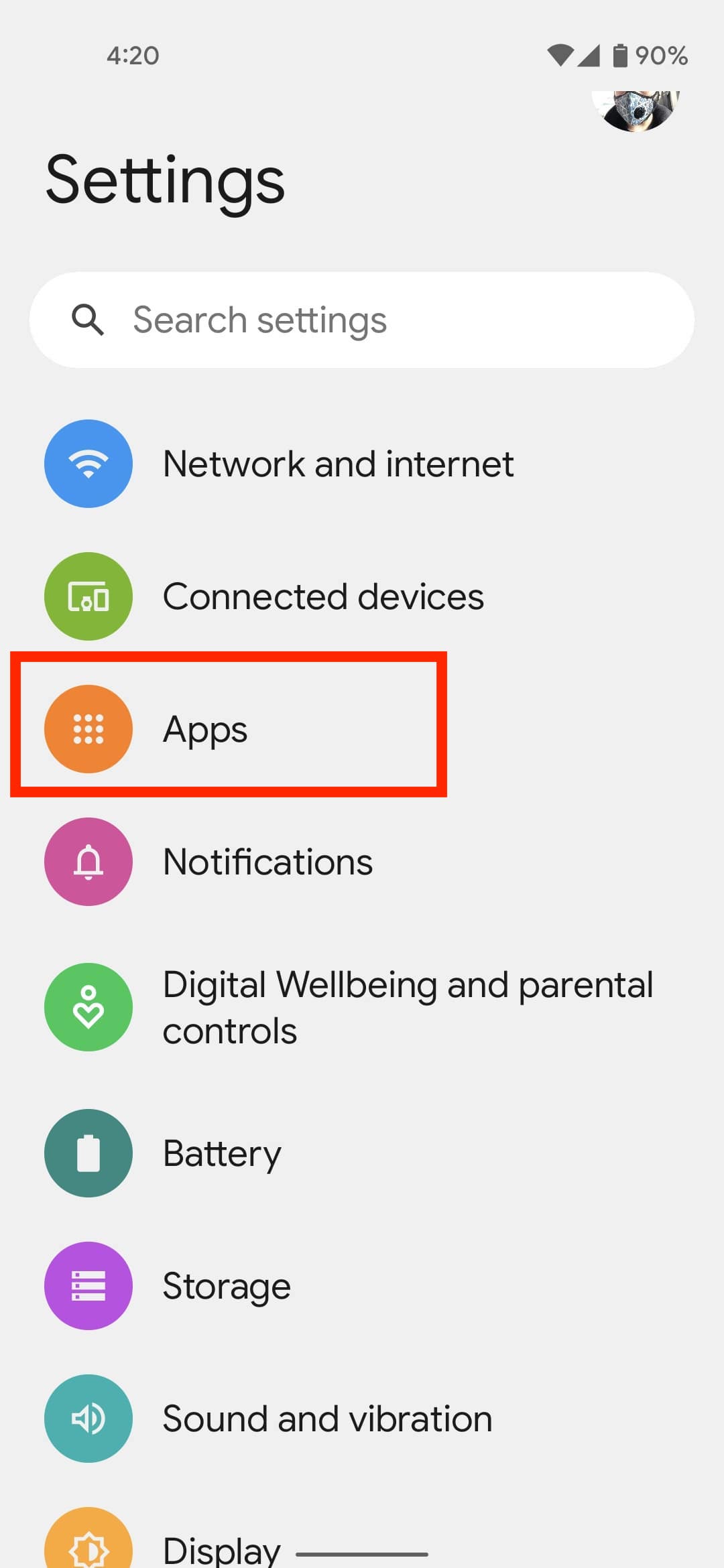
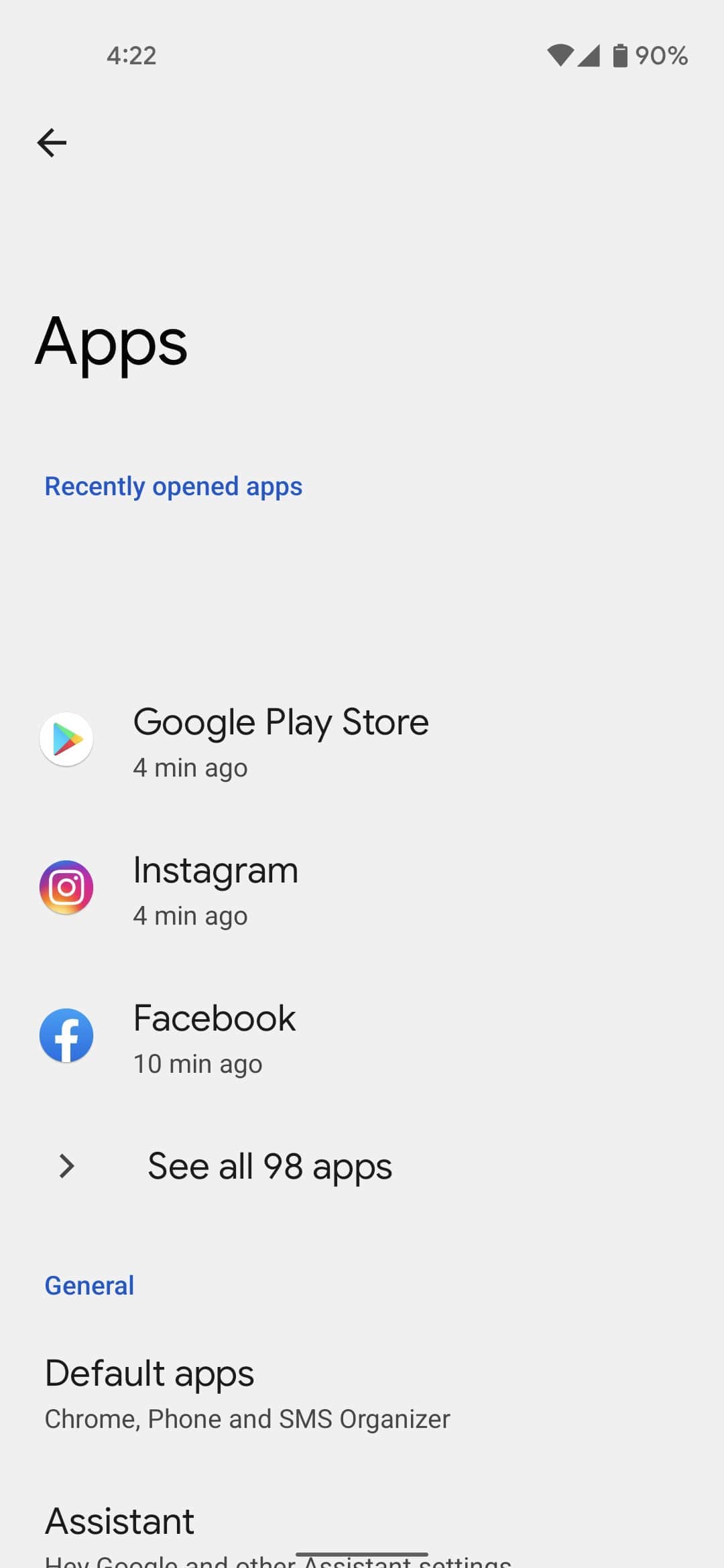
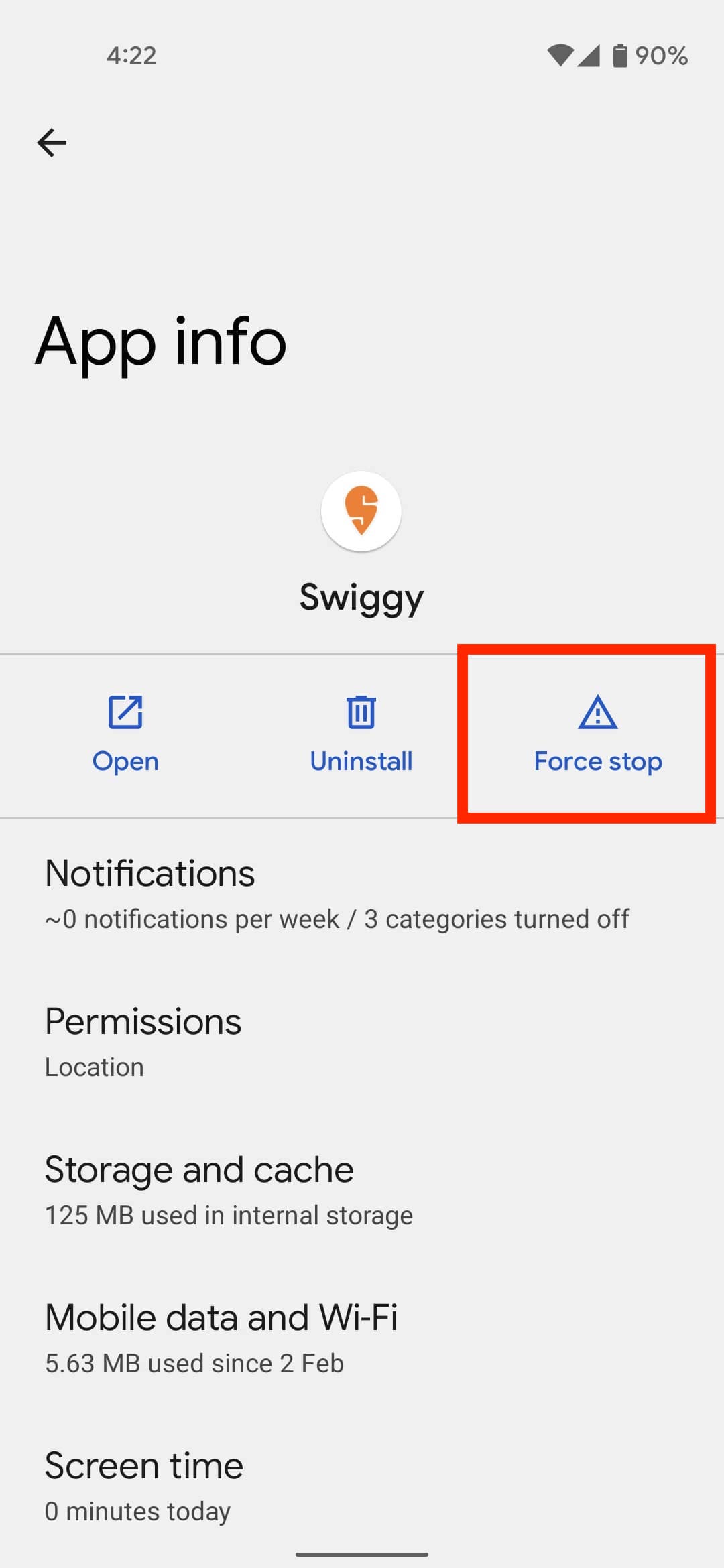
Once you have narrowed it down to the app that could be causing the pop-up ads, stop the app to see if you are on the right path. Go to Android settings > Apps > Tap on the app > Select Force Stop. This will stop all the app’s processes, including the pop-up ads on the Android device.
Now that the problematic app has been found, the ball is in your court. You will have to decide whether the app’s usage is worth the intrusive ads. If that’s the case, you can do a few things such as force stopping the app or revoking the app’s permission to display ads over other apps.
To do that, go to Android Settings > Apps > Special app access > Display over other apps > Tap on the app and revoke the permission to display over other apps.
If you are dealing with in-app ads, you can pay for its premium subscription or turn off the Internet while using the app to stop the pop-up ads.
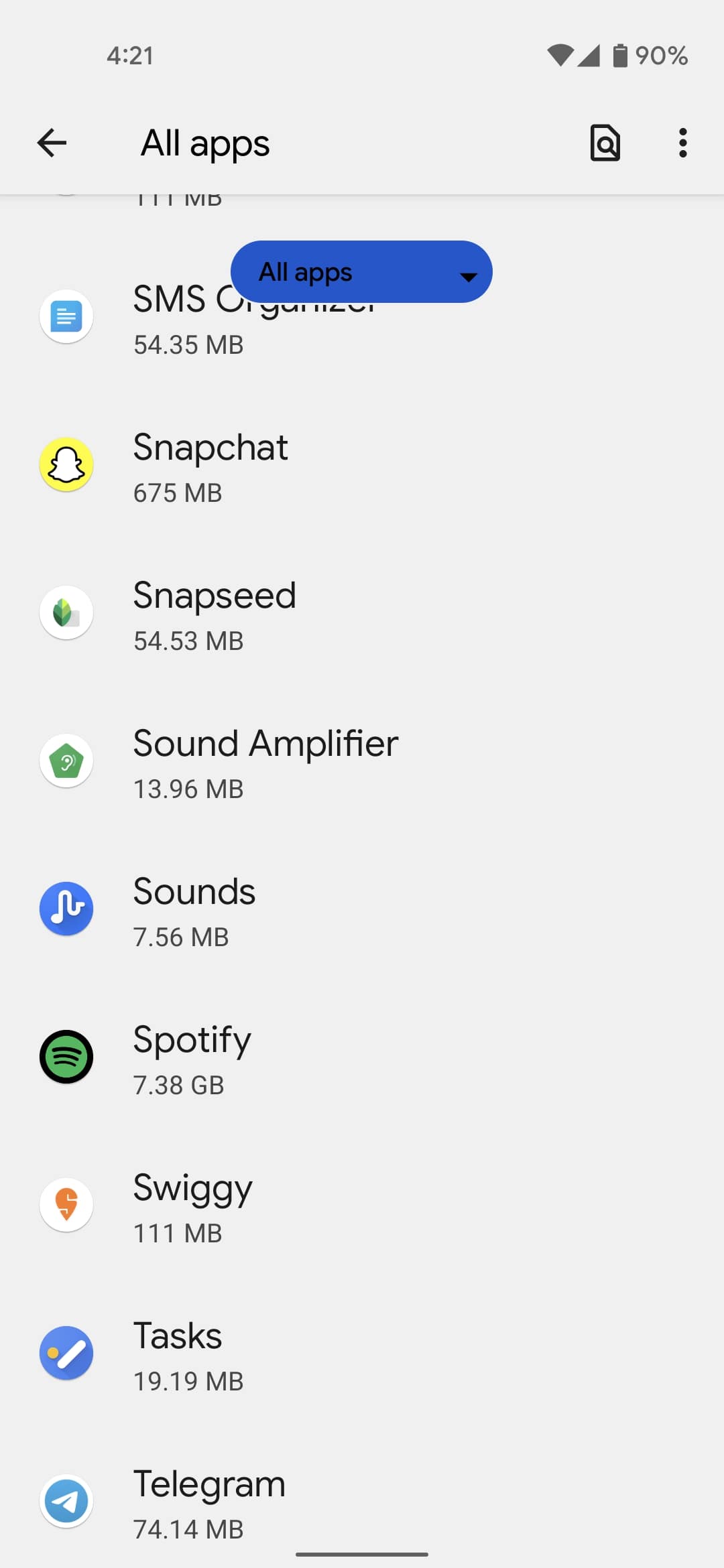
Else, you may uninstall the app to get rid of the pop-up ads once and for all. Go to the Android Settings > Apps. Select the app that is behind the pop-up ads on your Android device. Tap on Uninstall. Tap on OK in the confirmation prompt.
If you have accidentally installed malware, chances are the app might not be visible in the app drawer. However, you will still be able to locate it in the app settings. Sometimes, these apps have a transparent icon that makes finding them difficult.
3. Install an anti-malware app
In case the full-screen ads are still popping up on your home screen or lock screen, it’s time to rely on anti-malware apps such as Malwarebytes for Android. One of thebest antivirus Android apps: Malwarebytes for Android will scan for any malware or a virus causing the pop-up ads.
While you are running scans, ensure to run a manual Google Play Protect scan from the Google Play Store. This is Google’s official tool that scans for malware, adware, and other potential threats in the installed apps.
As a last resort, you can always reset the device if you still haven’t been able to remove the pop-up ads on your Android.
How to stop pop-up ads on Google Chrome for Android?
Over time, Chrome has become extremely efficient at dealing with pop-up ads aka forced redirect ads. To make sure we are on the same page, pop-up ads on Chrome are auto redirects that will take you to a random web page as soon as they click somewhere on the website that you intended to visit.
However, nowadays, you will only find those obtrusive pop-up ads on piracy sites, proxy sites and others like it. This is becauseChrome considers such ads “abusive”and it can block a website serving these ads.
Still, Google Chrome has the option to block pop-up ads should the occasion arise —
Some sites may still be throwing pop-up ads despite pop-ups and redirects being turned off. In that case, you can try a more secure browser to open that website such as Brave,Tor, etc.
How to block pop-up ads in notifications?
Ads in the notification shade are not as obtrusive as full screen pop-ads, but they can still be annoying if you have to swipe them away every minute.
If you are getting ads from an app, you’re able to always go to the app Notifications settings under the App settings and toggle off the unnecessary ones.
This is how you can get rid of pop-up ads on your Android device.
