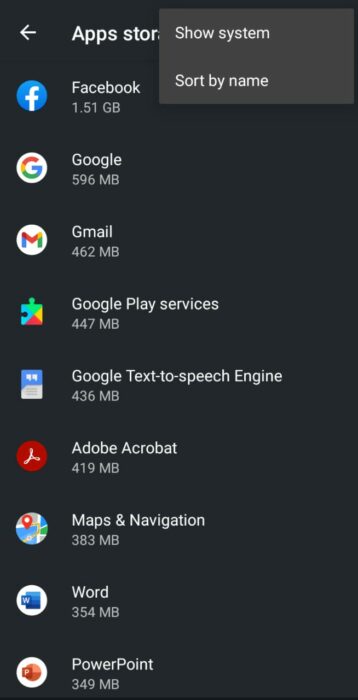
Those who use an Android device must have come across the problem of web browser cache files filling up their memory. These files can affect your app’s performance, take up storage, and even compromise sensitive cached data. Certain apps claim toclear app cache and cookiesfor Android and Mi devices.
However, they take up more space and can even slow down performance by constantly running in the background. You can check out our list of thebest cleaner apps for more RAM and cache. But there are also some direct ways to clear cache and cookies on Android and Mi devices.
What does Cache mean?
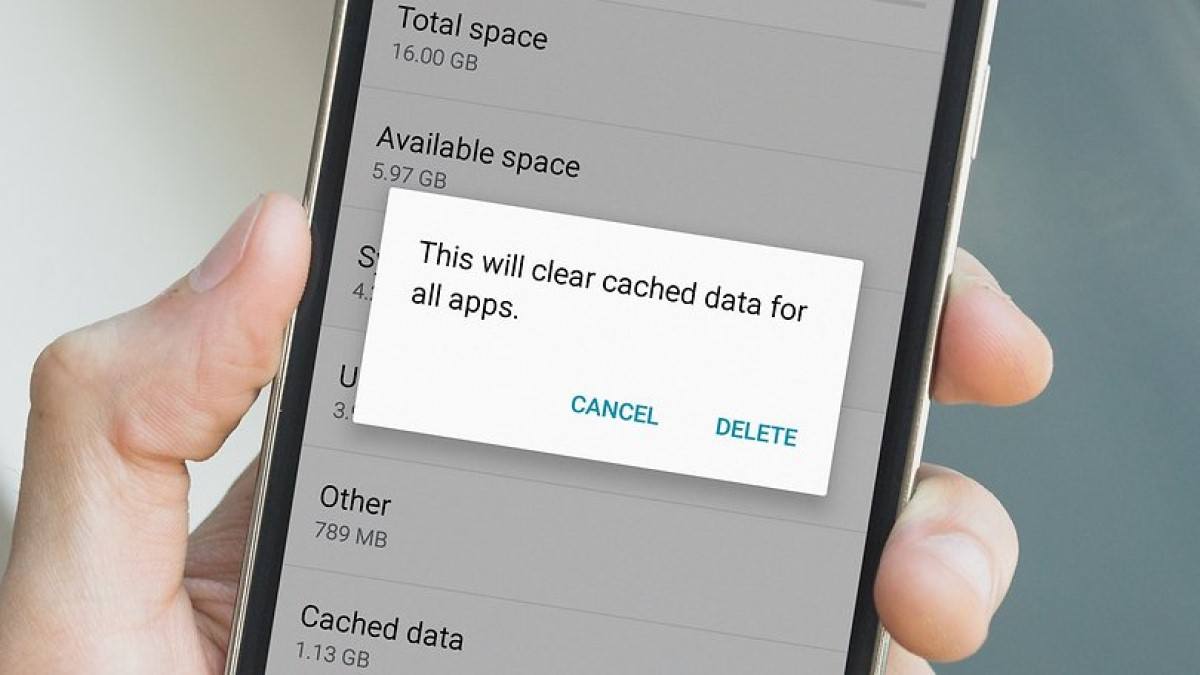
Whenever you use a web browser or an app, it creates caches or cookies on your device over time. These could create problems like apps not functioning properly, running out of storage, and data leaks. So clearing these cache andcookies on Androidfixes these problems. However, it would be best not to do so regularly as the Android devices delete unused files automatically.
Benefits of clearing app cacheand cookies on Android Phone

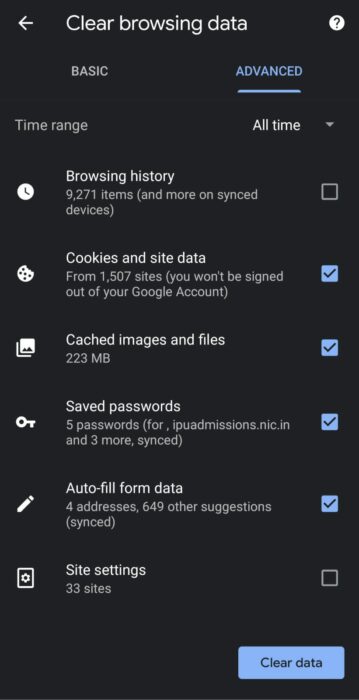
How to delete Cache and Cookies on Chrome?
1. Open the Chrome appand then tap More.
2. Go toHistory > Clear browsing data.
- Go to theAdvancedsection and select Time range asAll time.
4. Select everything exceptBrowsing history.
4. Finally, pressClear data.
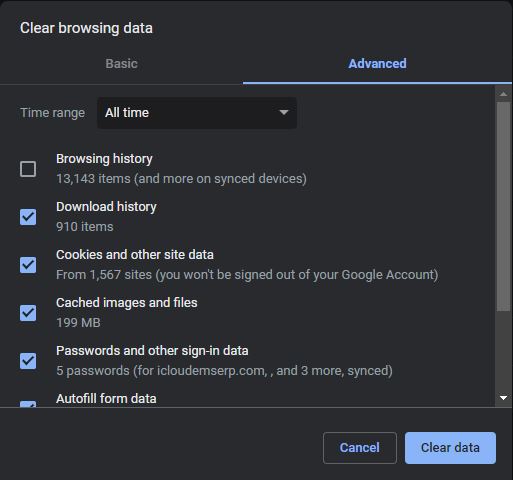
1. Open Chromeand pressCtrl + Shift + Deletesimultaneously.
- Go to theAdvancedsection and select the Time range asAll time.
3. Select everything exceptBrowsing history.
How to clear app Cache on Android?
1. Go toSettingsand openStorage.
2. Go toOther Apps.
Tap the 3-dot menu and selectSort by size.
Select the app you want and press theClear Cacheoption.
Also, check out our article onhow to clear cache on iPhone and iPaddevices here!
How to delete app Cache on Mi devices?
1. Go toSettings Appand openApps.
2. SelectManage appsand sort byUsed storage.
- Select the app you want and press theClear Cacheoption.
Moreover, you can also check out our article onhow to check RAM usage on android deviceshere!
Frequently Asked Questions
Caches are mostly just junk files that can be deleted safely. Deleting cache files will free up some storage space and can even improve performance. So you can follow the above steps to clear the cache on android devices.
It would be best to not clear caches often as it could lead to your apps not working properly. Only do it if you are low on storage or if your apps start misbehaving. It is recommended that you clear cache on your android devices every couple of weeks.