The GameBoy Advance, or GBA, was a memorable console, considering it gave us some of the best games, such asPokémon Ruby and Sapphire, Mario Golf, and Tony Hawk Pro Skater 2. While these games made our childhood amazing, finding a GBA console to relive these games is next to impossible. But what if there were a way to experience those classic games on your Android phone? This is whereemulatorscome in. In thisguide, I’ll show you the top five GBA emulators for Android.
What is an Emulator?
For those who aren’t aware, emulators are software that replicates the inner workings of a given system—like a GBA console—allowing you to run its software and play its games. This lets you relive your favorite childhood games without purchasing the original console.
However, it is important to note that while emulators are legal in all countries,downloading game ROMs from websitesisn’t and can get you in trouble. But, if you still have your old GBA game collection, you can easily and legally convert it into ROMs.

Best GBA Emulators for Android
Before we begin, this article covers both free and paid options, and for your convenience, we have mentioned the pricing for each emulator. Let’s get started:
1. My Boy! Lite
My Boy! List is perhaps the most popular GBA emulator for Android, and for good reason. It is only 10MB in size and offers smooth performance without draining your device’s resources, making it a great choice even for budget Android devices.
However, this is not all. Despite being pretty lightweight, the emulator is packed with useful features, including save states, fast-forwarding, cheat code support, and link cable emulation over Wi-Fi or Bluetooth for multiplayer gaming. The downside? The lite version has ads and limits the fast-forwarding rate to just 2x.
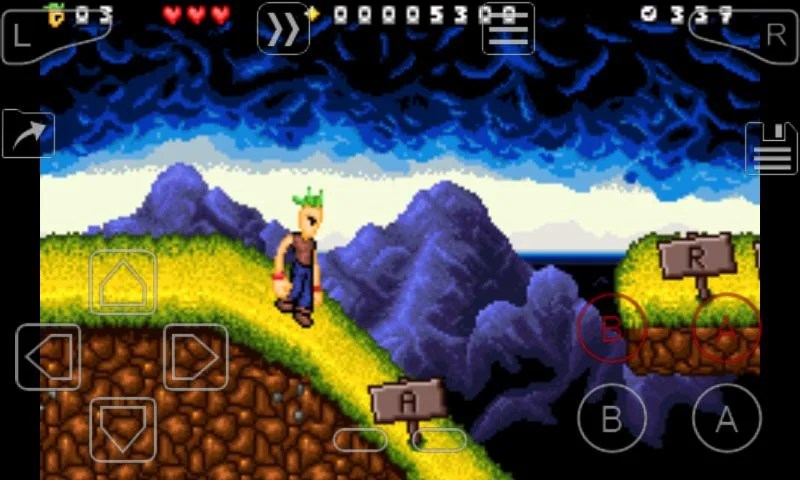
Moving to the performance, I had no issues running theMario Golfon my Pixel 6 Pro. The gameplay was super smooth, and there weren’t any lags or stutters.
2. RetroArch
If you have delved into emulation before, you must have heard aboutRetroArch. For everyone else,RetroArchis more than just an emulator—it’s a front end where you can install multiple emulators, or “cores,” allowing you to play not only GBA games but games from over 50 other consoles. All you need to do is install the app and download the desired cores (emulators), and that’s it.
In addition to the basics, like changing controls and connecting Bluetooth controllers, the emulator is highly customizable. It lets you adjust graphics filters, audio latency, shaders, and more. However, RetroArch’s UI is a bit clunky and can take some time to get used to.
Regarding the performance, RetroArch handledTony Hawk’s Pro Skater 2pretty well, providing a smooth, lag-free experience.
3. Pizza Boy GBA
If you don’t like RetroArch’s UI, look no further than Pizza Boy GBA. The emulator has the cleanest user interface, as it doesn’t really have one. Just install the app, tap on the three-dot menu, and load your ROMs. This simplicity makes it easy to use for anyone.
Despite its barebones aesthetics, Pizza Boy GBA does have some features. These include customizing controls, changing graphics settings, connecting Bluetooth controllers, and using cheat codes. However, the free version lacks multiplayer support and quick saves.
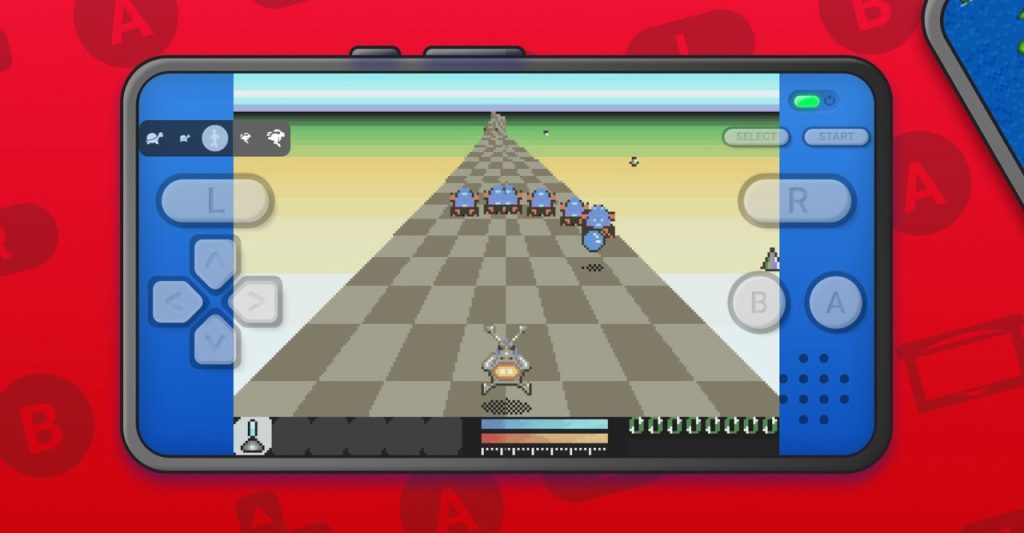
To test the performance, I fired upMario Golfagain, and the gameplay was solid. I had no issues playing the game, and there weren’t any dropped frames.
4. GBA Emulator
While downloading the software isn’t an issue for first-time emulator users, finding game ROMs from a website definitely is, as there is a risk of downloading malware. This is where the GBA Emulator comes into play. The software not only allows you to run game ROMs but also includes an in-built store for users to download their favorite games.
The GBA Emulator also includes several features, such as connecting Bluetooth controllers, saving game states, and customizing controls. However, it also includes many ads, which can be annoying.
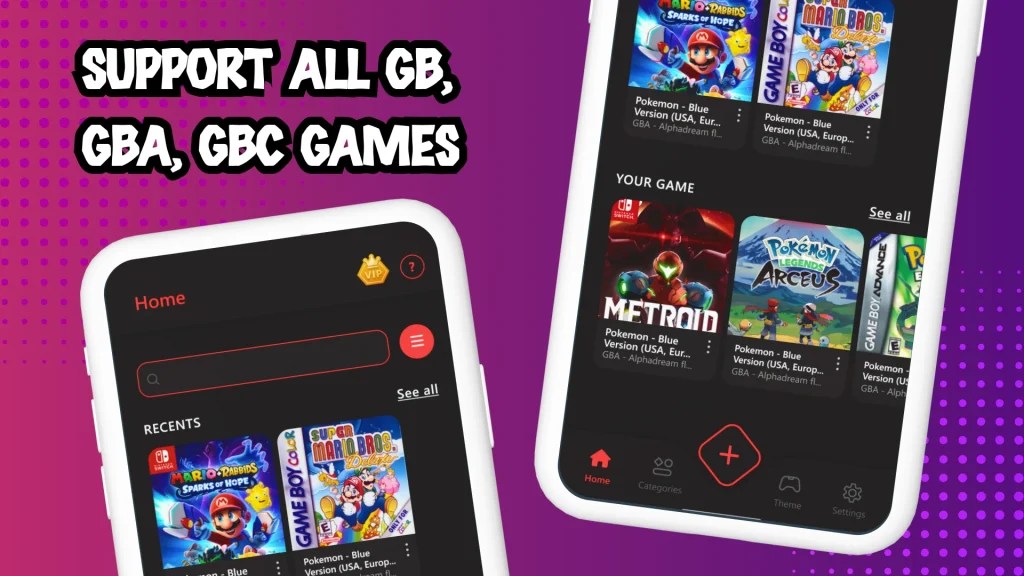
Keeping the ads aside, the performance was great in my testing. All my games ran well, and there was no lag or stuttering.
5. Nostalgia.GBA
Nostalgia.GBA is another solid emulator that gets the job done. However, the software differentiates itself with a retro interface that works well and looks amazing.
In terms of features, Nostalgia covers the essentials: save states, Bluetooth controller support, and customizable controls. It also includes a unique Rewind feature, allowing you to go back 10 seconds—perfect for retrying a tough spot. The only drawback is that the free version includes a few ads.
Regarding the performance, I playedAdvance Warson the emulator, and the gameplay was pretty smooth and without many problems.
Frequently Asked Questions (FAQs)
My Boy! Lite performs best on most smartphones, but your experience may vary based on your device’s specs.
Yes, emulators like My Boy! Lite offers link cable emulation over Wi-Fi or Bluetooth.
Yes, downloading and using emulators is legal. However, downloading ROMs for games you don’t own can be illegal in many regions.
Conclusion
So there you have it—the best GBA emulators for Android. However, since different emulators perform better on different devices, try a few to see which works best for you.
